Today I’ll explain how you can earn money from your website using Aila Lab — an affiliate program aggregator. We’ll look at how to install ad code based on your site’s niche and use Ukrainian offers to illustrate how it works.
What is Aila Lab and how does it help you earn money?
Aila Lab — an affiliate program aggregator that pays you when users complete specific actions. It works simply:
You place an advertising script on your website.
If a visitor clicks on an ad and completes a target action (a purchase, application, etc.), you earn a commission.
Your income depends directly on the quantity and quality of your traffic. The more visitors you have and the more interested they are in the offers, the more you earn.
How do I install Aila Lab's ad code on my website?
Choosing an offer Determine which ad topic is best suited to your audience.
Configuring the code Get the script from your account dashboard and adapt it to your website.
Installation Insert the code into the relevant pages of your website.
The ads will then start running, and you can track click statistics and revenue in your account dashboard.
If you have a website with good traffic, be sure to try this monetization method!
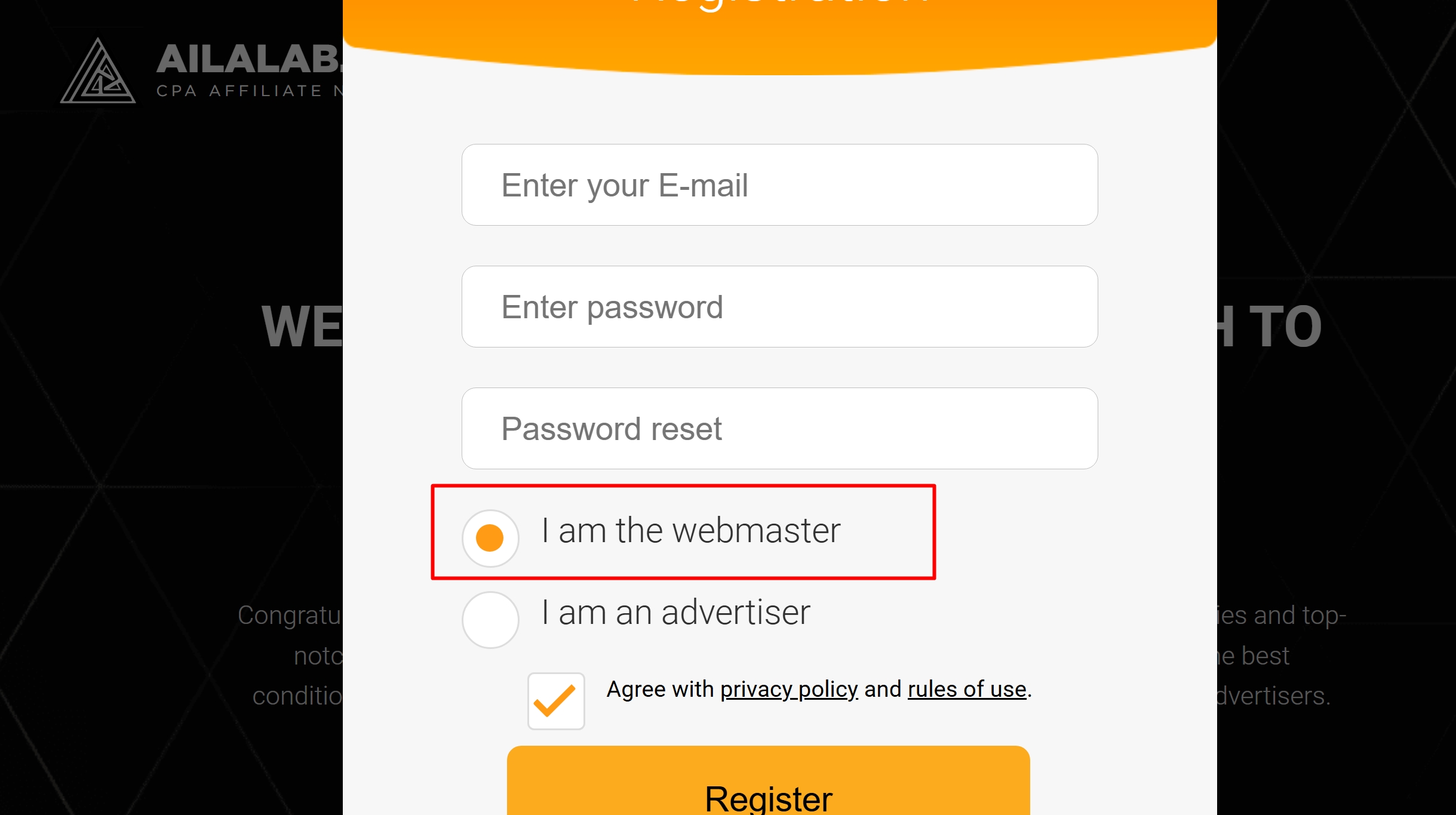
Registration
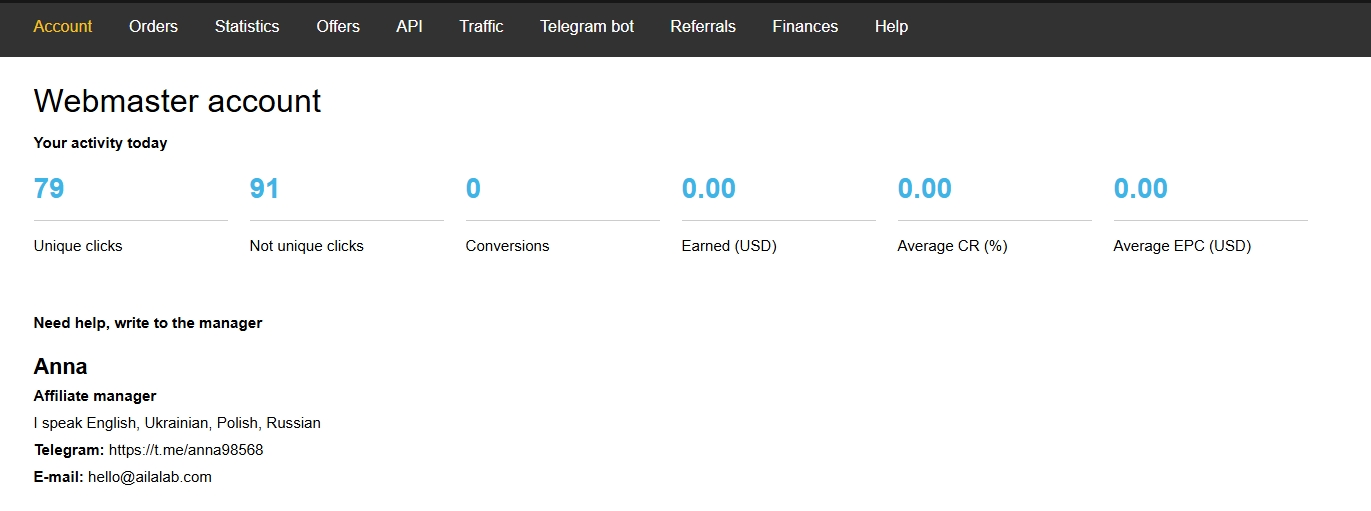
After registering, you will receive an email with an account activation code. Once activated, you can access your account dashboard.
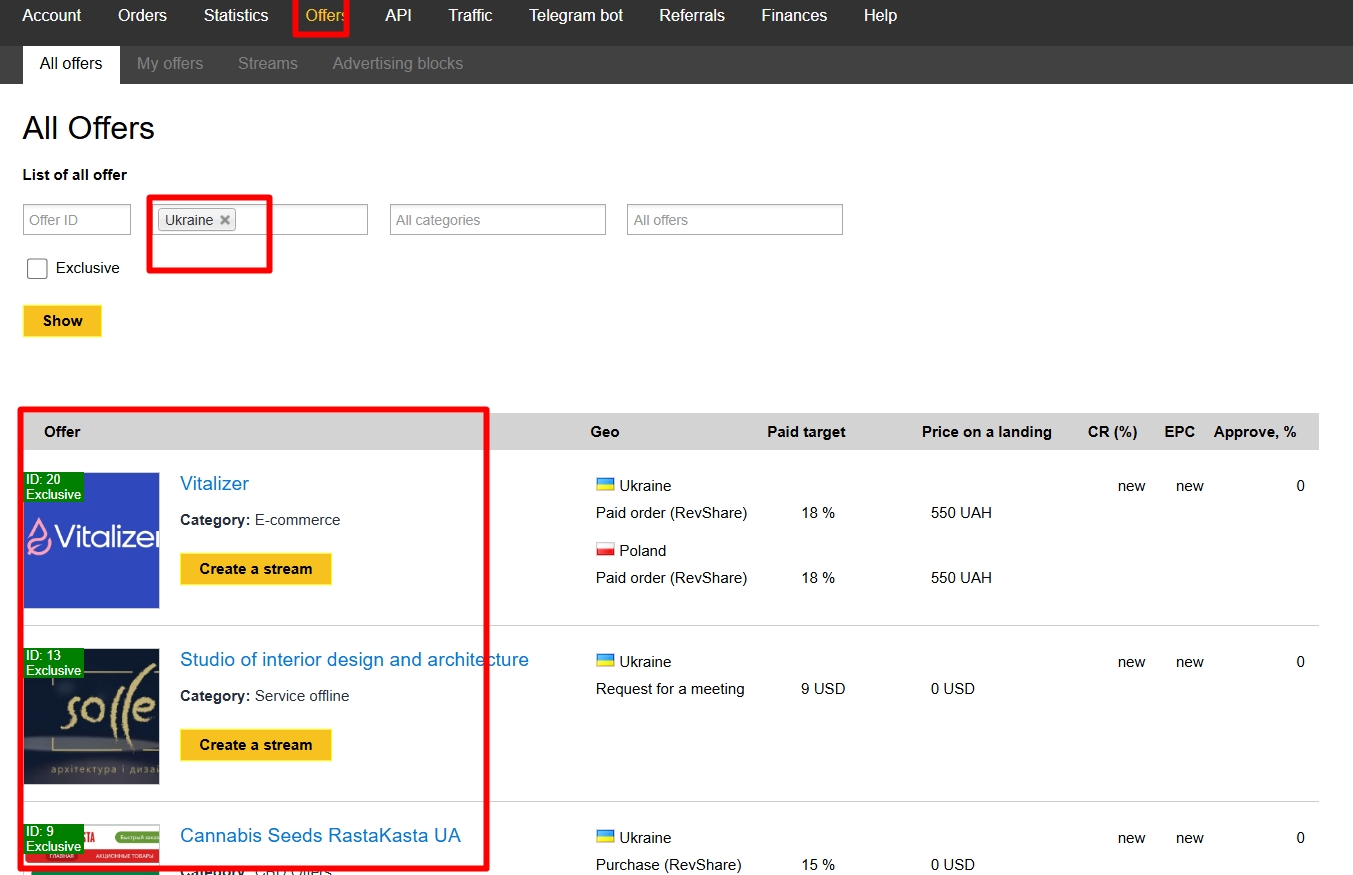
Choosing offers to monetize your website
Go to the "Offers" section in your Aila Lab account dashboard.
Use the filters: select Ukraine as the region.
Browse the available offers that are suitable for your website.
At the time of writing, there are three offers available, but the number may change. We recommend checking for new offers regularly and choosing the best ones for your audience.
Creating a flow for each offer
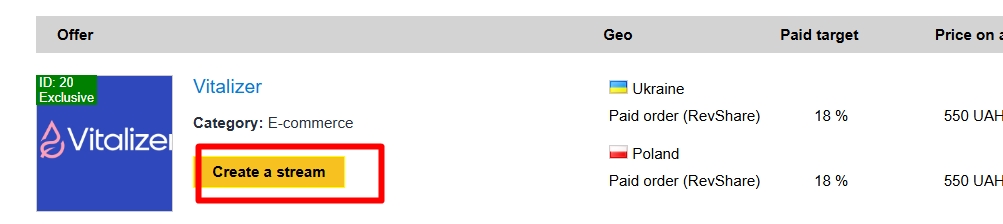
Go to your chosen offer.
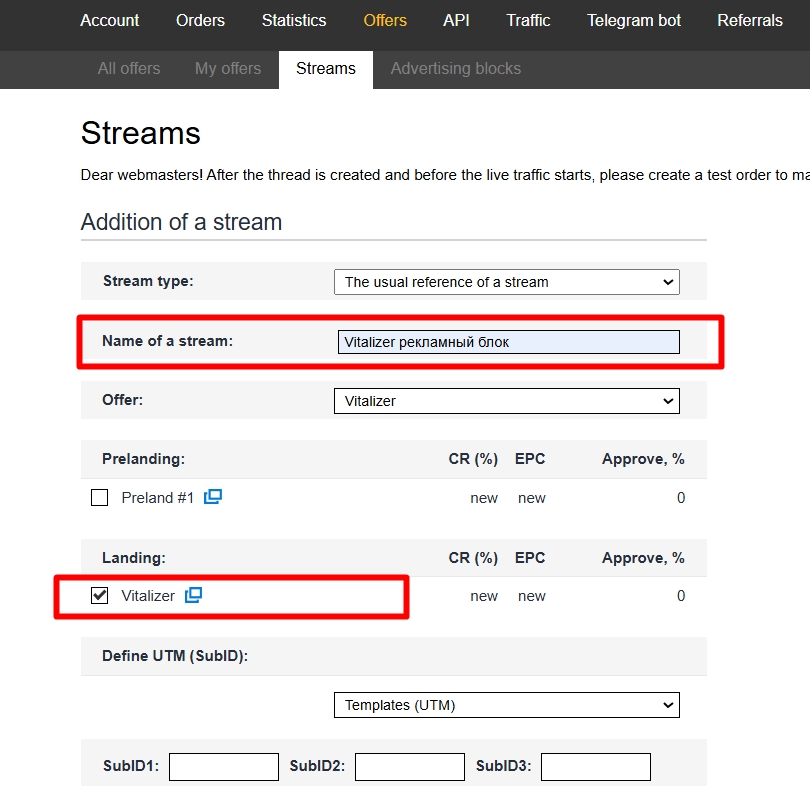
Click the yellow button "Create Stream".
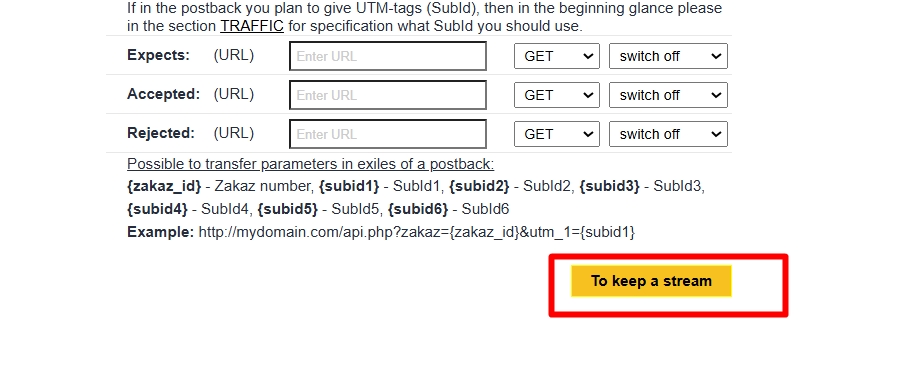
Create a flow, specifying the required parameters.
How do I create a link that leads to a pre-landing page?
To create a link that leads first to a pre-landing page, and then to the main landing page, follow these steps:
Go to the flow settings for your chosen offer.
Check two options:
Landing (main page).
Pre-landing (page that warms up the audience).
Click the button "Create Stream".
The link you created will first lead to the pre-landing page and then automatically redirect the user to the landing page. This lets you test whether using an intermediate page improves conversions.
Finalizing offer link setup
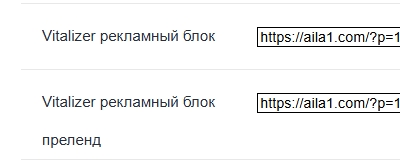
Now we have two links for each offer:
Landing page (a direct page with the offer).
Pre-landing page (a warm-up page before the landing page).
For convenience, you can label them, for example, "Vitalizer (landing page)" and "Vitalizer (pre-landing page)".
It's recommended to create two links for each offer to test which path delivers better conversions.
Adding offers to the ad unit
The next step is to add offers to the ad unit:
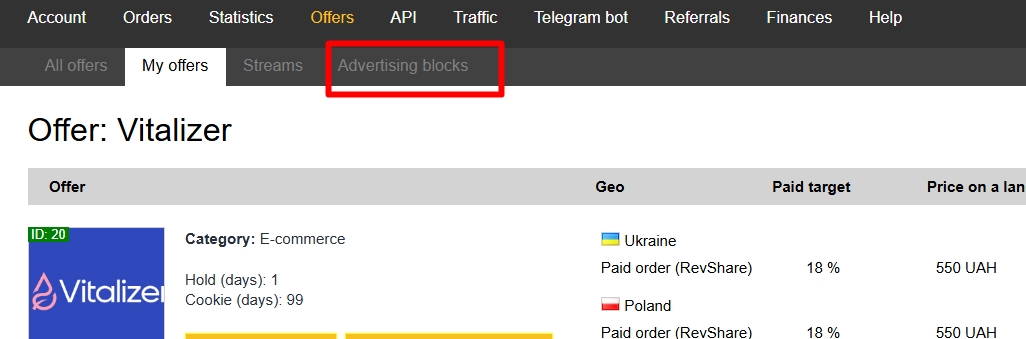
Go to the "Advertising Blocks" in your account.
Add the offers you've created (for example, "Vitalizer" and others).
Create an ad unit by selecting links to the landing page and pre-landing page.
Get the code to insert into your website.
After that, your ads will start running and generating revenue! 🚀
Setting up an ad unit and adding flows
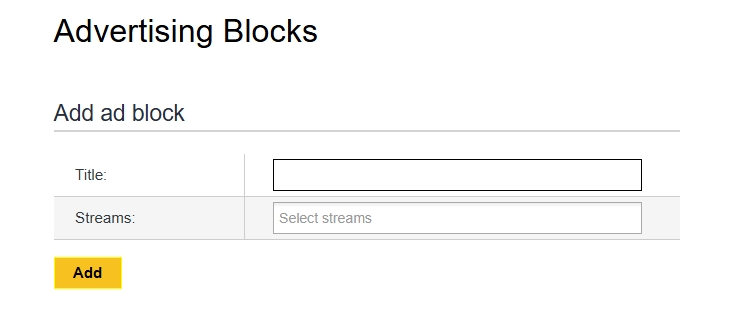
Go to "Advertising Blocks".
In the "Title" field, enter a name for the ad so you know which offer it represents.
In the "Streams" section, select the flows you've created (landing page and pre-landing page).
Click "Add", to add links to the ad unit.
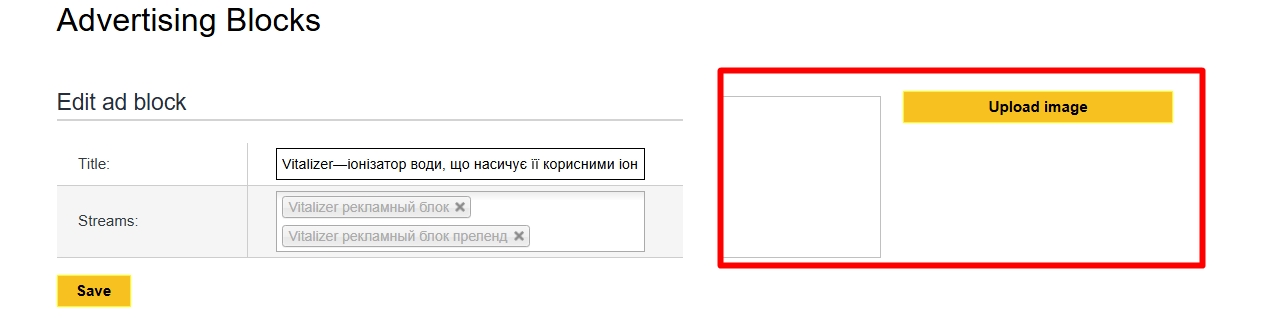
Adding an image to an ad
To make the ad more appealing:
Check the offer's promotional materials — they often include ready-made promo images.
If there is no suitable image, you can take a screenshot of the offer's website.
Add the image to the ad unit.
Now the ad looks professional and appealing! 🎯
Adding two more offers and getting the code for your website
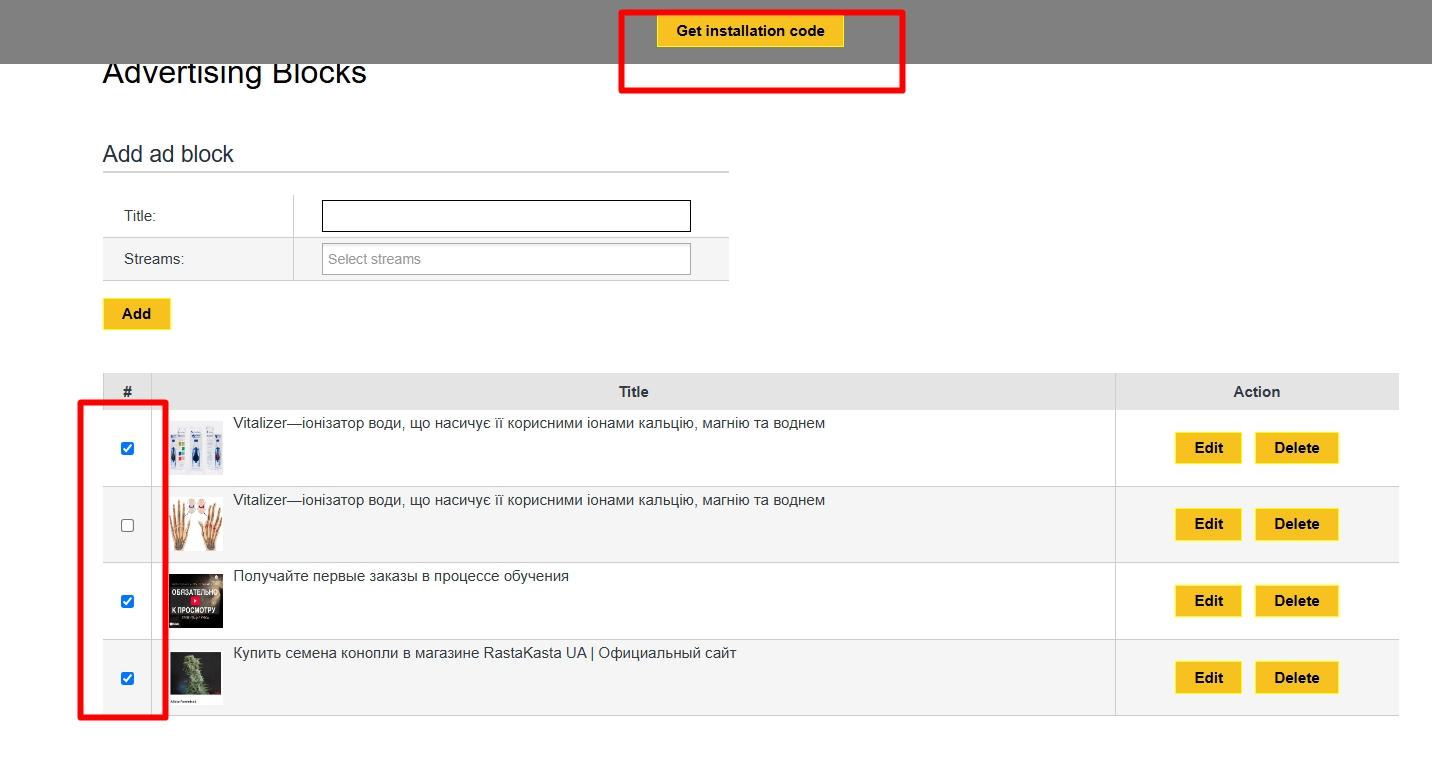
Since the ad unit contains three ads, repeat the process for two more offers:
Create two flows for each offer (a landing page and a pre-landing page, if available).
Add them to the ad unit.
Select three ad units and click "Get Installation Code".
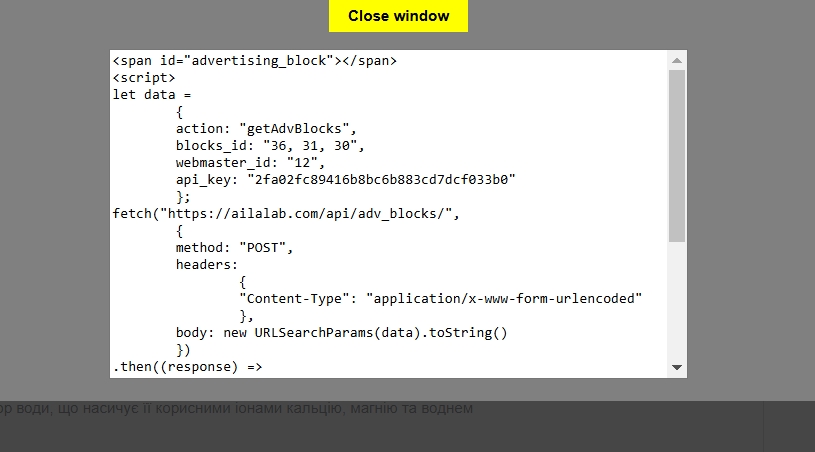
Then get the code to insert into your website and start monetizing! 🚀
Final step: adding the code to your website and withdrawing funds
Insert the code in the desired location on your website (using an HTML editor, widgets, or dedicated blocks).
Check how the ads are displayed – they should load correctly and be visible to visitors.
Drive traffic – the more targeted users you attract, the higher your revenue.
Withdrawing money:
Payments are made every Thursday.
Funds are withdrawn automatically.
In the "Finances" enter your payment details (PayPal and Capitalist are available).
After withdrawing your funds, you can enjoy your passive income! 🚀💰
Final step: registering on the platform
To start earning, you need to register on Aila Lab:
✅ Follow the link: https://ailalab.com/ ✅ Complete the registration ✅ Start monetizing your website! 🚀
This will allow you to earn passive income from affiliate advertising. The more targeted traffic you have, the higher your profit! 💰
 Aila Lab Affiliate network



Discussion
Sign in or create an account, to join the discussion.